World War Camp Company
About World War Camp Company
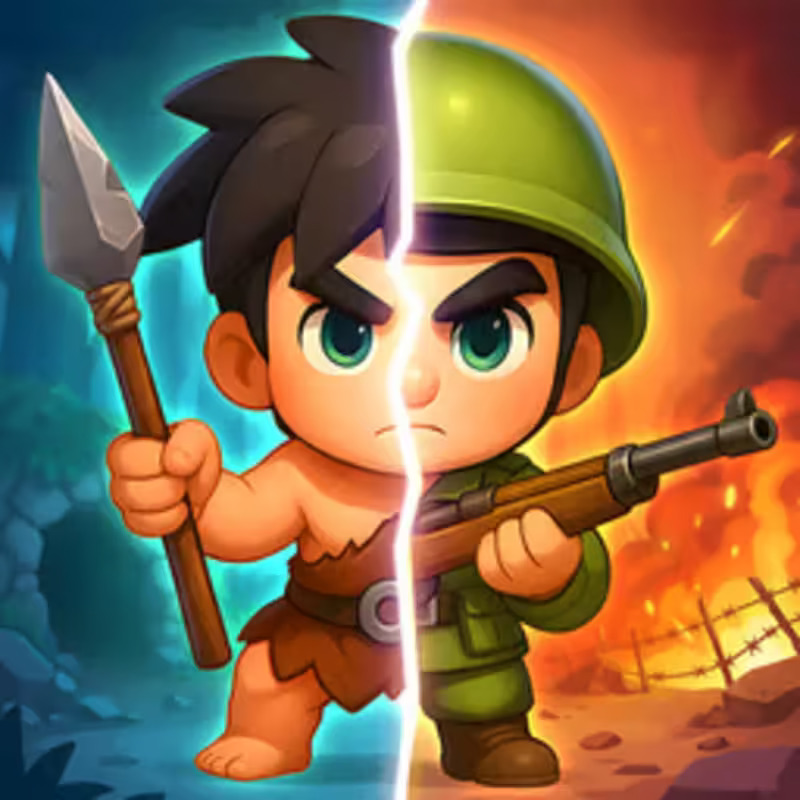
World War Camp Company is an idle strategy game where players build and upgrade a military camp to prepare for ongoing battles against invading forces. The gameplay focuses on assembling squads, equipping troops with better weapons and vehicles, and then sending them into combat to clear enemy camps and capture flags. As players progress, they encounter a variety of enemies and powerful bosses that appear at certain intervals, providing a challenge at the end of level cycles.
The game features two types of in-game currency, gold and silver helmets, which are used to enhance the strength and appearance of soldiers and their vehicles. Players can customize their soldier's skin, adding a personal touch to their forces. Although the game includes references to known action movie themes, it doesn’t have a traditional storyline, keeping the objectives straightforward: develop your camp, upgrade your military resources, and win battles against opposing forces.
Combat is largely automatic, making it accessible and easy to play on both PC and mobile devices. Troops advance on their own once deployed, and the hero’s character shoots automatically, allowing players to focus on strategic upgrades and positioning. While sound enhances the experience, it is not necessary to play or succeed.
World War Camp Company offers a blend of idle, action, and military strategy elements with fast-paced combat and consistent progression. Its straightforward gameplay and continual progression through different locations and enemy types makes it an accessible choice for players looking to manage and lead their own army in a casual but engaging environment.
How to Play
To send troops into battle, you need to press the "BATTLE" button next to the gate. Allied troops will automatically move out to search for enemies.
Upgrade your army and weapons at the base in special places.
To win, you must destroy all enemies on the level and capture the enemy flag.
Control:
For PC.
Character control - "WASD", "arrows" or hold the left mouse button and drag the mouse in the desired direction.
Shooting - the hero shoots automatically.
For Mobile devices.
Character control - press your finger on the screen and drag your finger in the desired direction.
Shooting - the hero shoots automatically.
Popular Games
Discover more games to play next.